Adding Cards to Your Story
Directly from Stories Tab
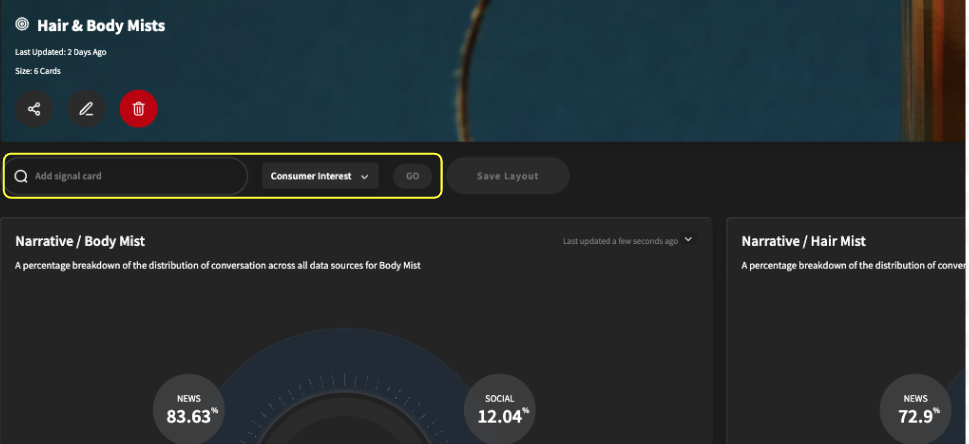
You will see the “Add signal card” search bar (highlighted in yellow) in the stories tab. You can search for various signal cards here.
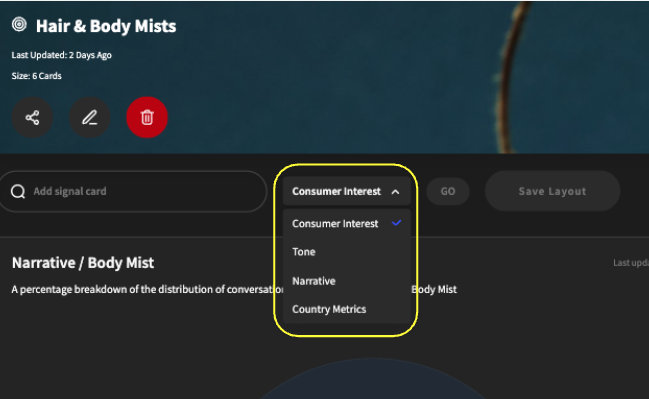
You can change the type of signal card you want to pull from a given search term by clicking the dropdown (highlighted in yellow).
Once you complete a search, you can add a given signal card by clicking the “+” circle button.

From the consumer insight report page
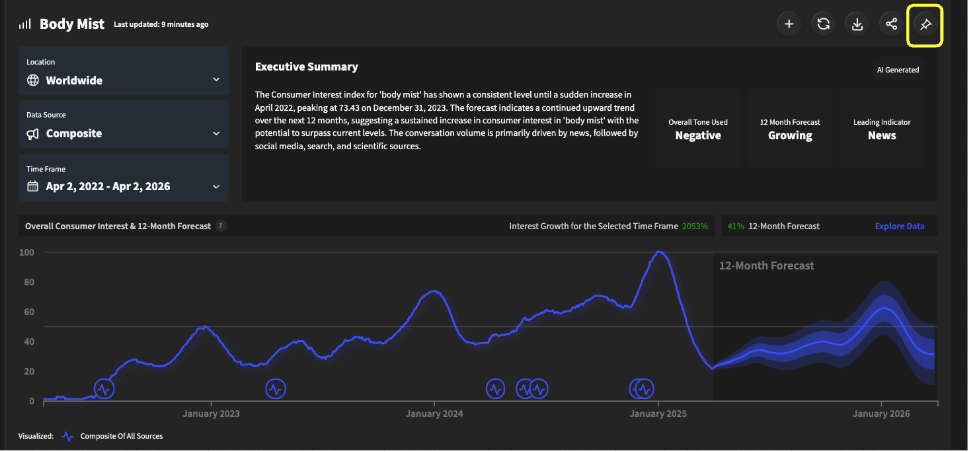
On a consumer insight report page, you will notice a “pin” icon on the top right corner of the impact score, tone, narrative snippets, comparison, and location metrics. Click it
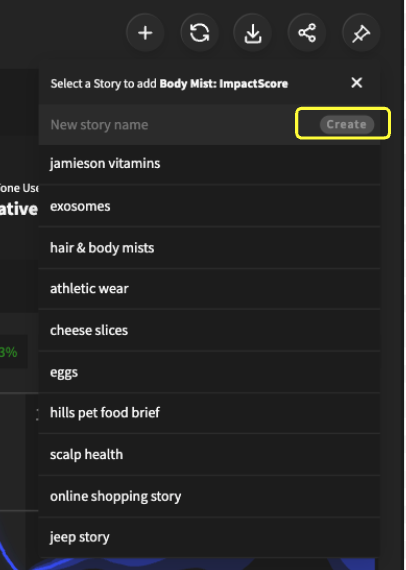
From here, you can select which story to add the given card to. You can also create a new story from this screen by typing in a story name and clicking the “Create” button (highlighted in yellow).