
Change Password/ Forgot Password
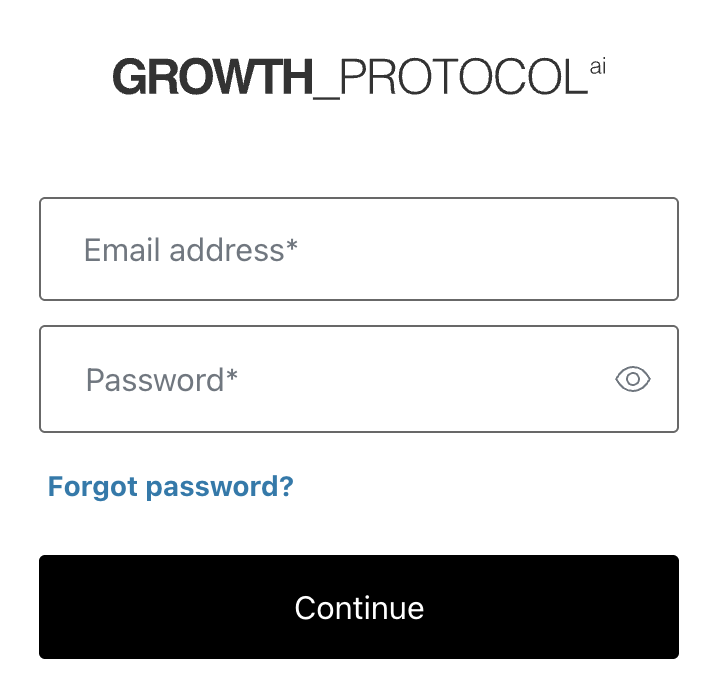
Go to the login screen, and at the bottom of the screen, you will see “Forgot password?” Click it.
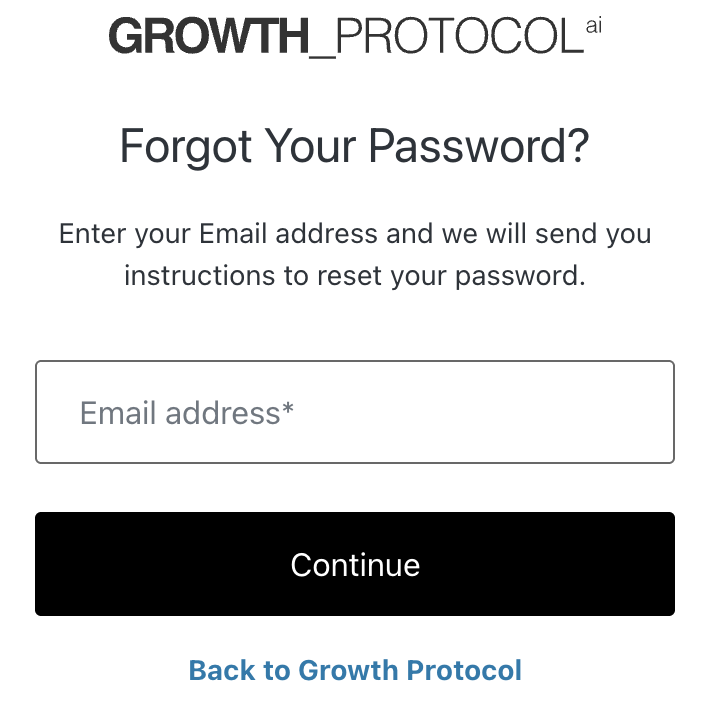
Enter the email address for your account and click “Continue”
You will receive an email with instructions on resetting your password. Click “Reset Password.”
You will be asked your security questions, and once you have completed these, you will be able to reset your password.