
Creating a story
Navigate to the Stories Tab.
At the top right of the Stories page, you will see the “Add New Story” button (highlighted in yellow).
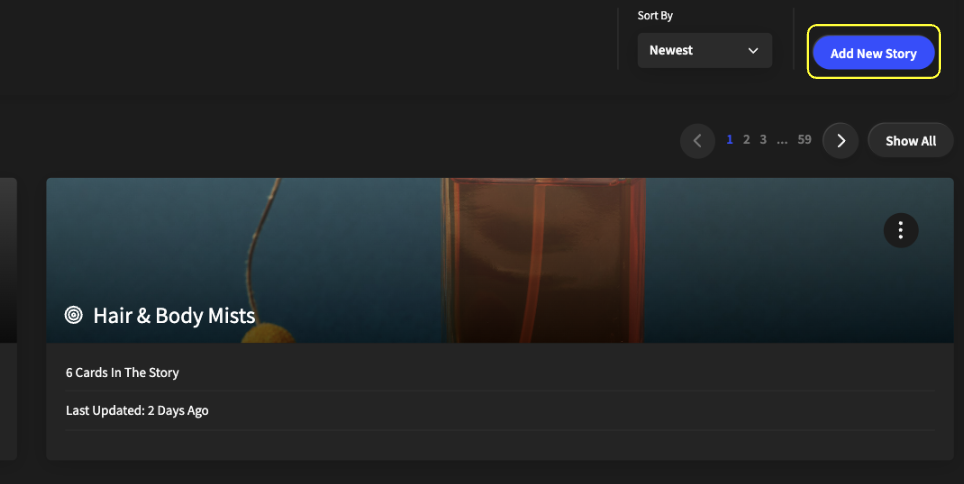
After selecting this button, you will see the “Add Story” pop-up where you can name the Story and add a background photo by clicking the “Click to Browse” button or dragging in a file.
