Signing In and Out of Your Account
Log-in
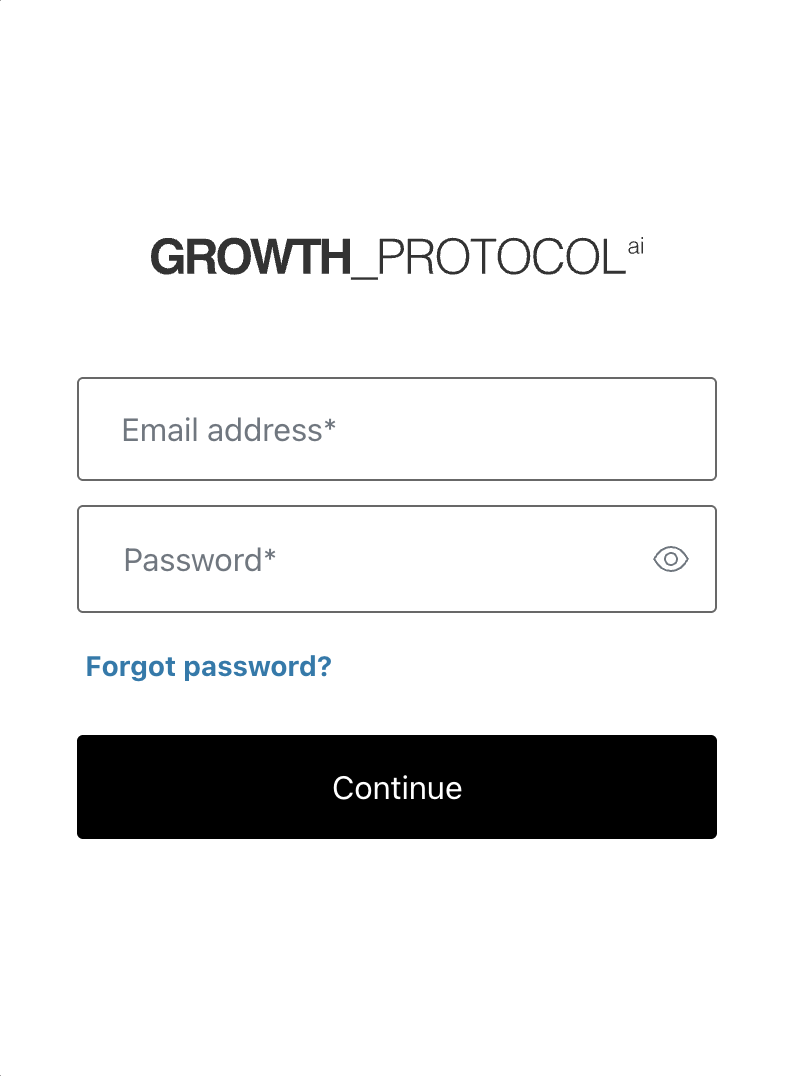
Once you are on the login page, please enter your username and password. Hit the “Sign in” button after you enter your information.
Sign Out
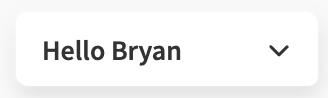
Click the dropdown menu in the top right corner of the platform.
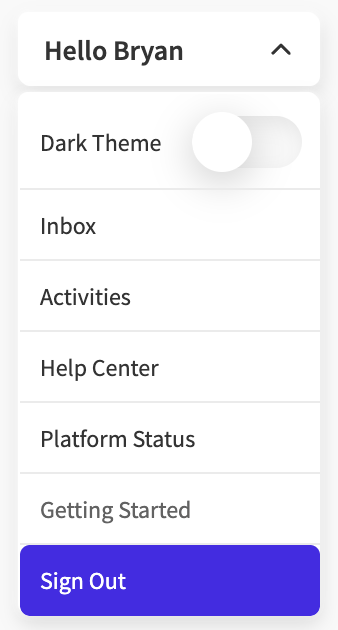
At the bottom of this menu, you will find the “Sign Out” button; once you select this, you will be logged out of the platform.