
Adding a Portfolio to a Folder
To add a Portfolio to a folder, go to the three dots on the upper right hand corner of a portfolio, and then select the “Move to” button.
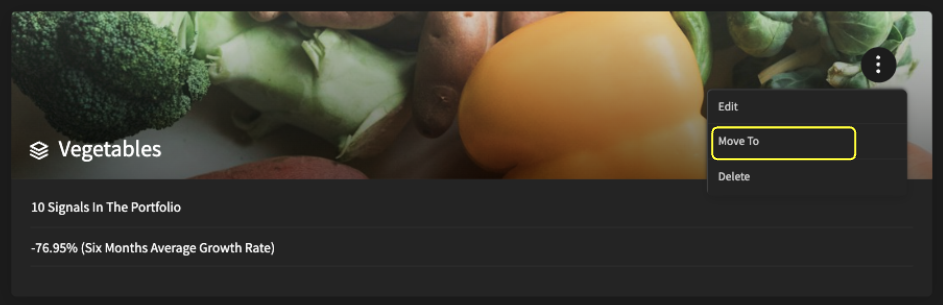
Once you click the “Move to” button, you will see all the folders you can add this portfolio to or create a new folder.
