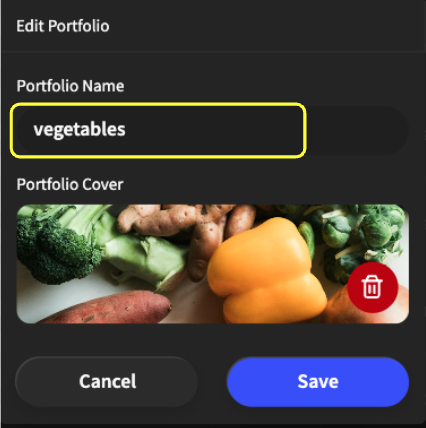
Changing the name or background image of an existing portfolio
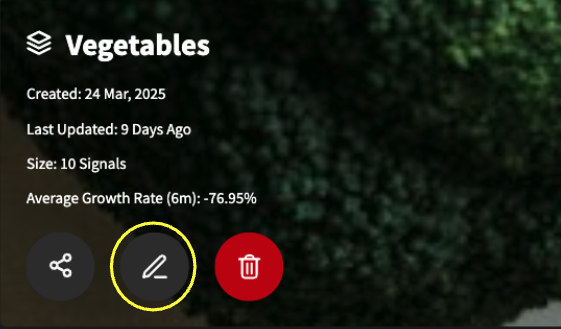
Go into a portfolio and you will see three buttons underneath the portfolio’s information. Click the “Edit” button (highlighted in yellow).
A pop-up will appear, and you will see the portfolio name (highlighted in yellow), where you can change the name of your portfolio. You will also see a red “Trash” button that will delete the background image and allow you to upload your own.