Creating a Portfolio
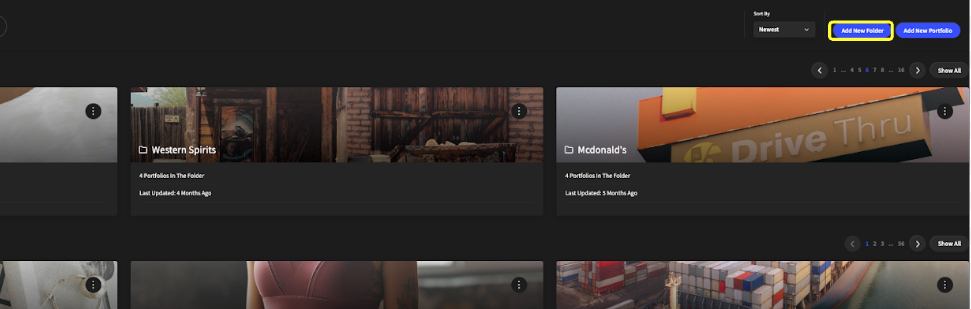
To create a portfolio, go to your portfolios in the upper right-hand dropdown menu, and then select the “Add New Portfolio” button (highlighted in yellow).
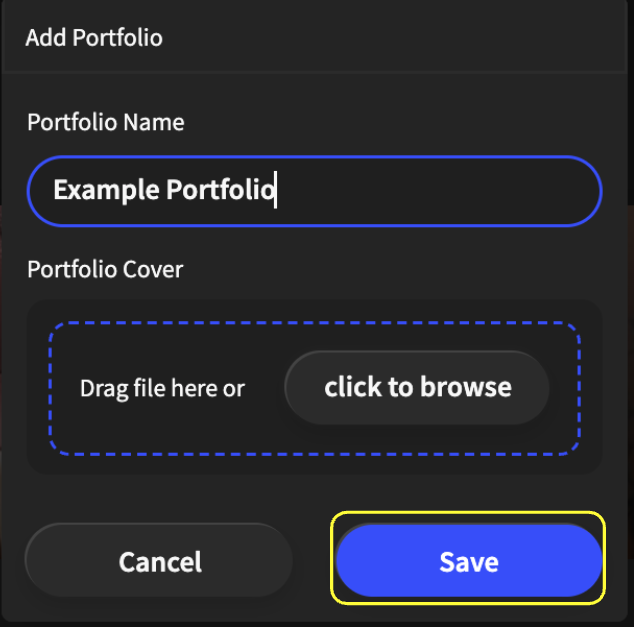
Once you click the “Add New Portfolio” button, you will see this prompt where you can enter the information for your new portfolio.
Once you have entered your information, you can click “Save” (highlighted in yellow) to create your new portfolio.