Observe a New Topic
Navigate to the Observer tab at the top of the page.
On the top left corner of the Observer page you will see the “Observe a New Topic” button.

Once you select this button, you will see a pop-up where you can choose a topic to monitor. Press the blue check button once you’ve chosen your topic.

You will then describe your research goals below.

After confirming your research goals, choose the region, what insights you want (Social and/or Scientific), and how often you want to be notified (weekly or biweekly).

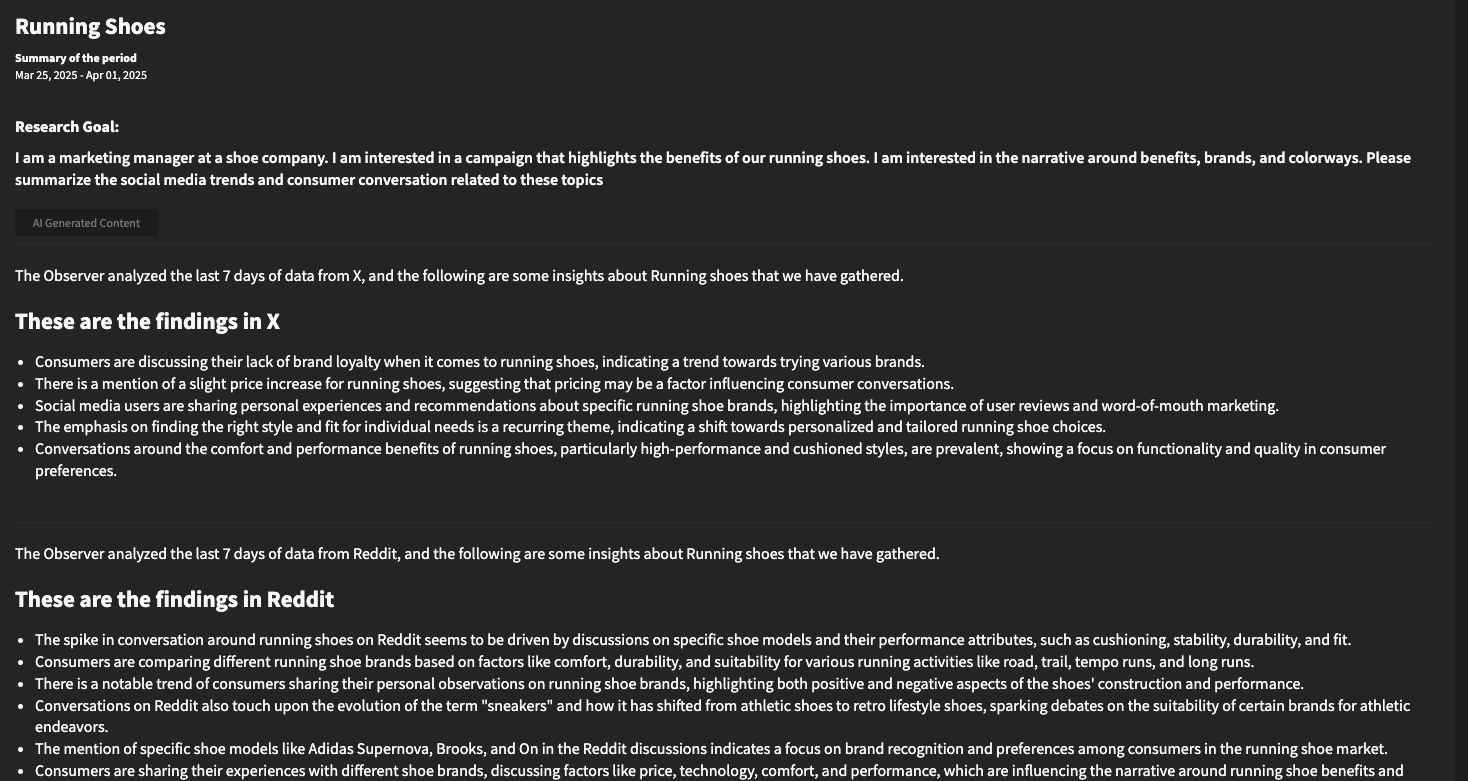
Press the “Start Observer” button and you will receive a weekly or bi-weekly report in your inbox.